Tasks and events guide
Devastate Game Tasks: Objectives, Events and Rewards
Devastate game tasks are the clearest way to understand what the current session expects from you. Read the objective, identify the matching interaction, make one change, and return to the task panel to confirm progress. This guide covers task types, event timing, rewards, sanity checks, and version mismatches without turning a task list into an unverified ending claim.
What Are Devastate Game Tasks?
This Devastate game tasks guide starts with the visible objective that connects an action to a progress state or reward. It may ask you to interact with the character, use an item, inspect the wardrobe, complete an event, or collect something after the action. The exact labels can differ between builds, so treat the task panel as the source of truth for the version you opened.
Read first
The task tells you what to test
Before tapping through every button, read the objective and any progress counter. A task narrows the next experiment, which makes it easier to see whether the game reacted to the action or you simply changed the screen.
- Read the verb and target.
- Check a visible counter.
Boundary
Tasks are not the same as endings
Completing a task can award coins, open an interaction, or move an event forward, but it does not automatically prove that you found a good ending. Keep task evidence and route evidence in separate notes.
- Task: immediate objective.
- Event: timed or conditional scene.
Version-aware
Use the screen you actually have
Public descriptions and community notes can use different names for the same action. Record the build, platform, and language before comparing a guide with your task panel, especially when a button or reward appears to be missing.
- Record version text.
- Record platform and source.
The Devastate Task Loop: Objective, Action, Check, Reward
The most reliable way to complete Devastate game tasks is a four-step loop. Read the objective, perform one matching action, check the response, and then claim or verify the reward. This keeps task progress readable even when the game uses subtle dialogue, status changes, or delayed event flags.
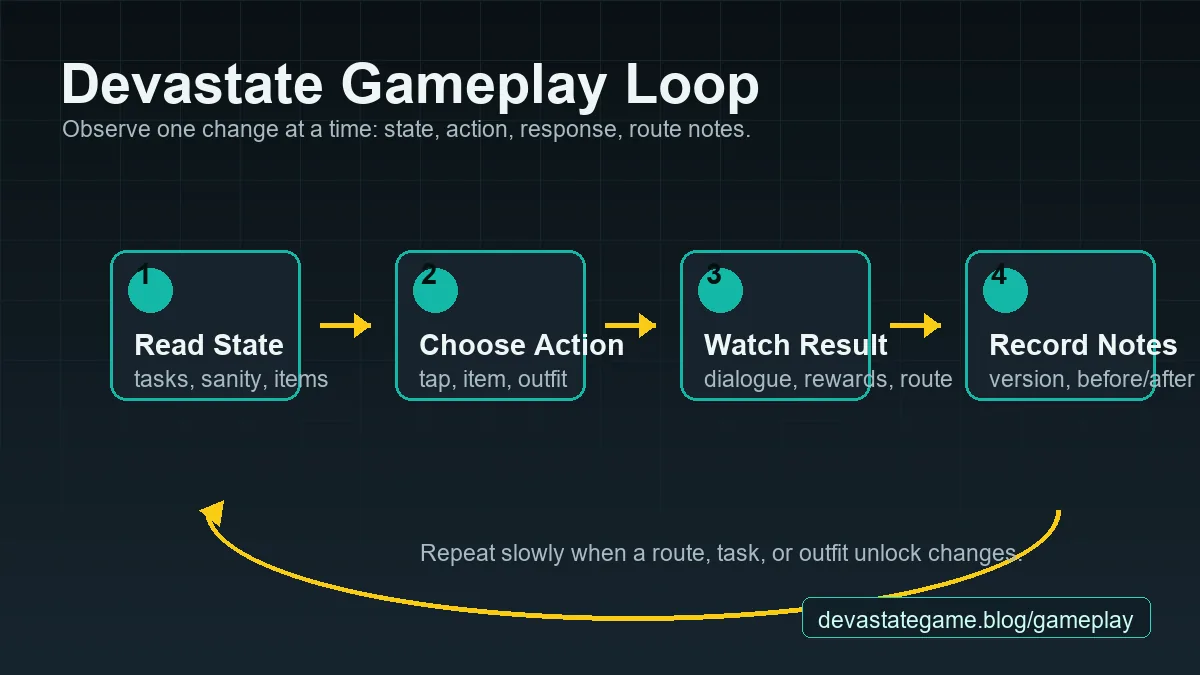
| Step | What to check | Why it matters |
|---|---|---|
| 1. Read | Verb, target, counter, time or item requirement | You know which action can actually satisfy the objective. |
| 2. Act | One tap, dialogue choice, item use, wardrobe visit, or event entry | One variable makes the result easier to attribute. |
| 3. Verify | Counter, task state, dialogue, sanity, coins, or unlock | A visual response separates progress from a normal animation. |
| 4. Collect | Claim button, reward row, inventory, wardrobe, or next task | The task may be complete but still require a separate claim. |
Objective
Translate the verb into an action
Words such as interact, use, check, change, collect, or complete are not interchangeable. Match the verb to the relevant screen instead of repeating the last action that happened to change a number.
- Interact usually needs the character area.
- Use usually needs inventory.
Verification
Wait for the state to settle
Some tasks update after dialogue, a short animation, a return to the main screen, or a second visit to the panel. Wait once, then reopen the task rather than repeating the same action many times.
- Pause after the response.
- Check the counter again.
Notes
Keep a small task log
A short log is more useful than a long guess. Record the objective, starting state, action, response, reward, and version. This also gives you a clear comparison when a community guide uses different labels.
- Objective and date.
- Action and item.
Common Devastate Task Types
Task wording can look simple while pointing to different systems. Use these categories as a reading aid, not as a promise that every build contains every task. If your version uses another label, keep the exact wording in your notes and follow the visible target.
Devastate Events: Timing, Conditions and Safe Testing
Events are task-adjacent moments that may depend on a time window, a completed objective, a character state, or a previous choice. When an event does not appear, do not assume the file is broken. Check the condition chain and record what your version shows before trying a risky shortcut.
Task Rewards: Coins, Outfits and Progress Signals
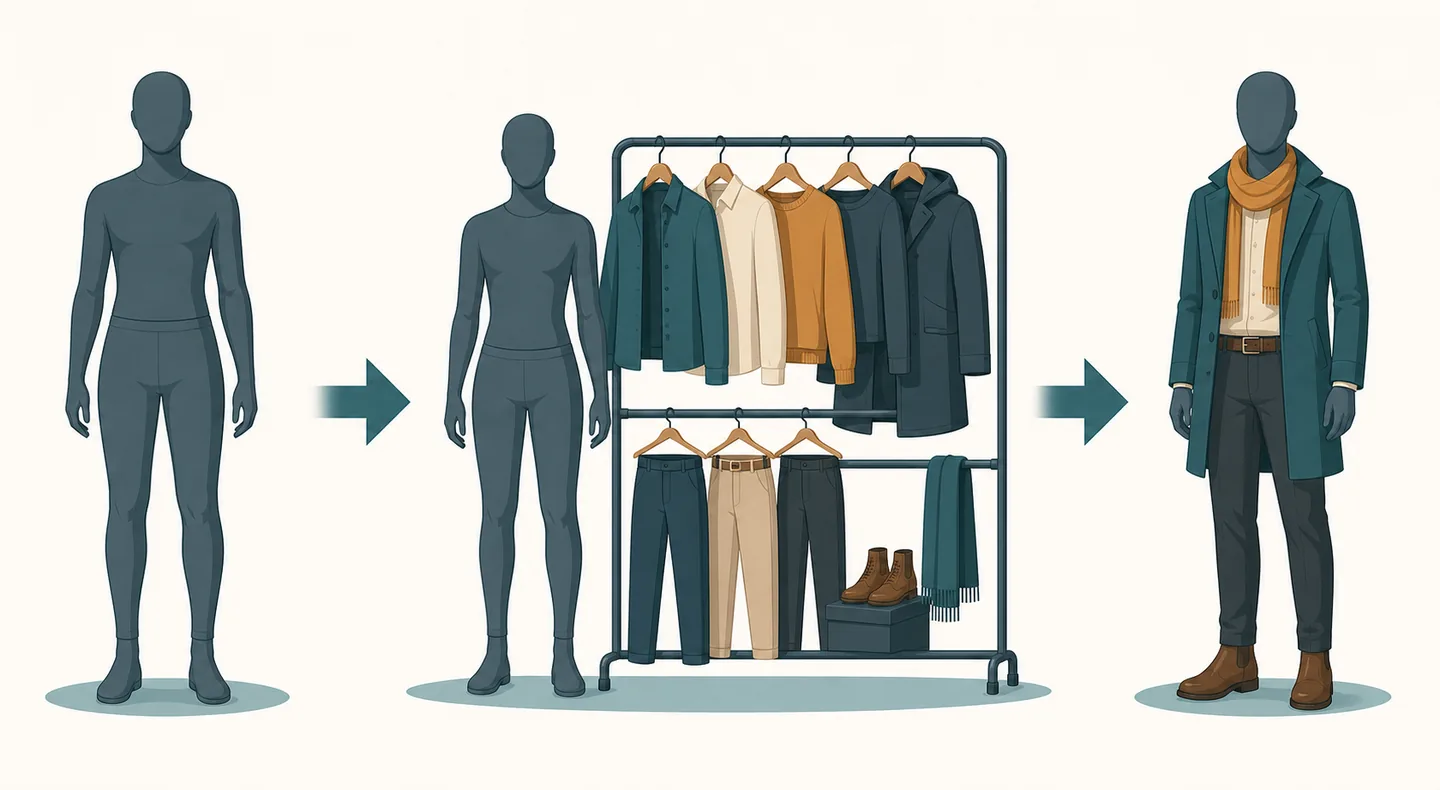
Rewards tell you what a task changed, but they are also useful diagnostic clues. Coins can point to wardrobe progress, an item can confirm an inventory objective, and a new task can show that an event chain advanced. Capture the reward before starting another experiment.
Coins
Spend rewards only after checking the next task
Coins may be needed for an outfit or a later event. Before spending them, read the next objective and inspect any wardrobe hint. Keeping a small reserve makes route testing easier and prevents a cosmetic purchase from blocking a task.
- Read the next task.
- Check wardrobe prices.
Unlock
Separate visible unlocks from route claims
A new outfit, scene, or item is useful evidence that a state changed. It is not automatically a good ending or an official version signal. Label your note as task reward, event unlock, or route result.
- Name the unlocked object.
- Record the trigger.
Follow-up
Look for the next objective
Many task chains are designed to hand you another small objective after a reward. Read that objective before exploring a different system; it often gives a safer hint about what the game expects next.
- Claim the reward.
- Open the task list.
Why a Devastate Task May Not Update
A Devastate game task that stays incomplete can reflect a wrong target, a delayed state change, an unclaimed reward, or a version difference. Use a short diagnostic sequence before reinstalling or downloading another file. The goal is to identify the missing condition, not to force a number to change.
Target
Confirm that the action matches the wording
A task that says collect is different from earn, and inspect is different from use. Re-read the full objective, including a named item, location, character, or count, before repeating the action.
- Copy the exact wording.
- Underline the target.
State
Check for a hidden second step
Some builds show progress only after a dialogue response, a reward claim, a return to the main scene, or a second visit to the task panel. Treat each as a possible state transition and note which one worked.
- Wait after the action.
- Return to the main scene.
Version
Compare platform and build details
If a guide names a button or event that your build does not show, compare platform, language, source, and visible version first. Do not silently combine a mobile note with an emulator screenshot or a different package.
- Record platform.
- Record language.
Stop point
Know when to stop testing
Stop when the next step requires an unverified download, unrelated permission, or a modified save. A missing task flag is not a reason to trade a clear source chain for an unknown file.
- Do not install a random fix.
- Use Safe Download for source checks.
A First-Session Task Checklist
Use this sequence after launching Devastate for the first time. It is intentionally spoiler-light and works as a note-taking routine even when your version exposes different task labels.
Where Tasks Fit in the Devastate Wiki
Tasks are one part of a larger progression path. Use the page that matches the question you are asking so a task objective does not become a catch-all answer for installation, controls, or endings.
| Your question | Best page | Why the boundary matters |
|---|---|---|
| How do tasks and events work? | Tasks | Objectives, triggers, rewards, and mismatch checks. |
| How do I learn the basic loop? | Gameplay | State, action, response, items, and sanity. |
| What should I do as a beginner? | Guide | First-session habits and spoiler-light setup. |
| How do I plan an ending? | Endings | Route notes, sanity choices, and spoiler control. |
| Where do I check version changes? | Updates | Release signals and research notes. |
Wiki
Use the Wiki for system context
The Wiki hub connects tasks with items, outfits, sanity, controls, and other categories. Open it when you need a broader explanation of a term used by an objective.
- System overview
- Item and outfit context
Gameplay
Return to the interaction loop
When a task is confusing, use the Gameplay page to rebuild the state-action-response-note habit before changing several conditions at once.
- Read the state
- Test one action
Safety
Keep download questions separate
Tasks explain what to do inside the game. Use the Safe Download and Download pages when the real question is whether a package, installer, mirror, or platform link is trustworthy.
- Source checks
- Platform routes
Devastate Game Tasks FAQ
How do I complete tasks in Devastate?
Read the exact objective, perform one matching action, wait for the response, reopen the task panel, and claim the reward if a separate claim control appears. Record the version when the wording differs.
Why did my Devastate task not update?
Check the verb, target, required count, delayed response, pending reward, and platform or version difference. Repeating random actions is less useful than testing one missing condition at a time.
Do Devastate tasks unlock outfits?
Some tasks may lead to coins, wardrobe access, or outfit progress in the build you are using. Treat the visible unlock as task evidence, then check the next objective rather than assuming it proves an ending route.
Are Devastate events the same as tasks?
They are related but not identical. A task is an objective you can track; an event is a scene or condition that may require a completed task, a time window, an item, or a particular state.
Should I use a modded APK to finish tasks?
No. Modified APKs and unlock-all saves can change task flags, break route evidence, and add source risks. Keep a clean, source-checked build when you are trying to understand progression.
Where can I learn the basics before task hunting?
Use the Beginner Guide for first-session habits and Gameplay for the state-action-response loop. Return here when you need objective, event, reward, or task-mismatch guidance.